目前共有8篇帖子。
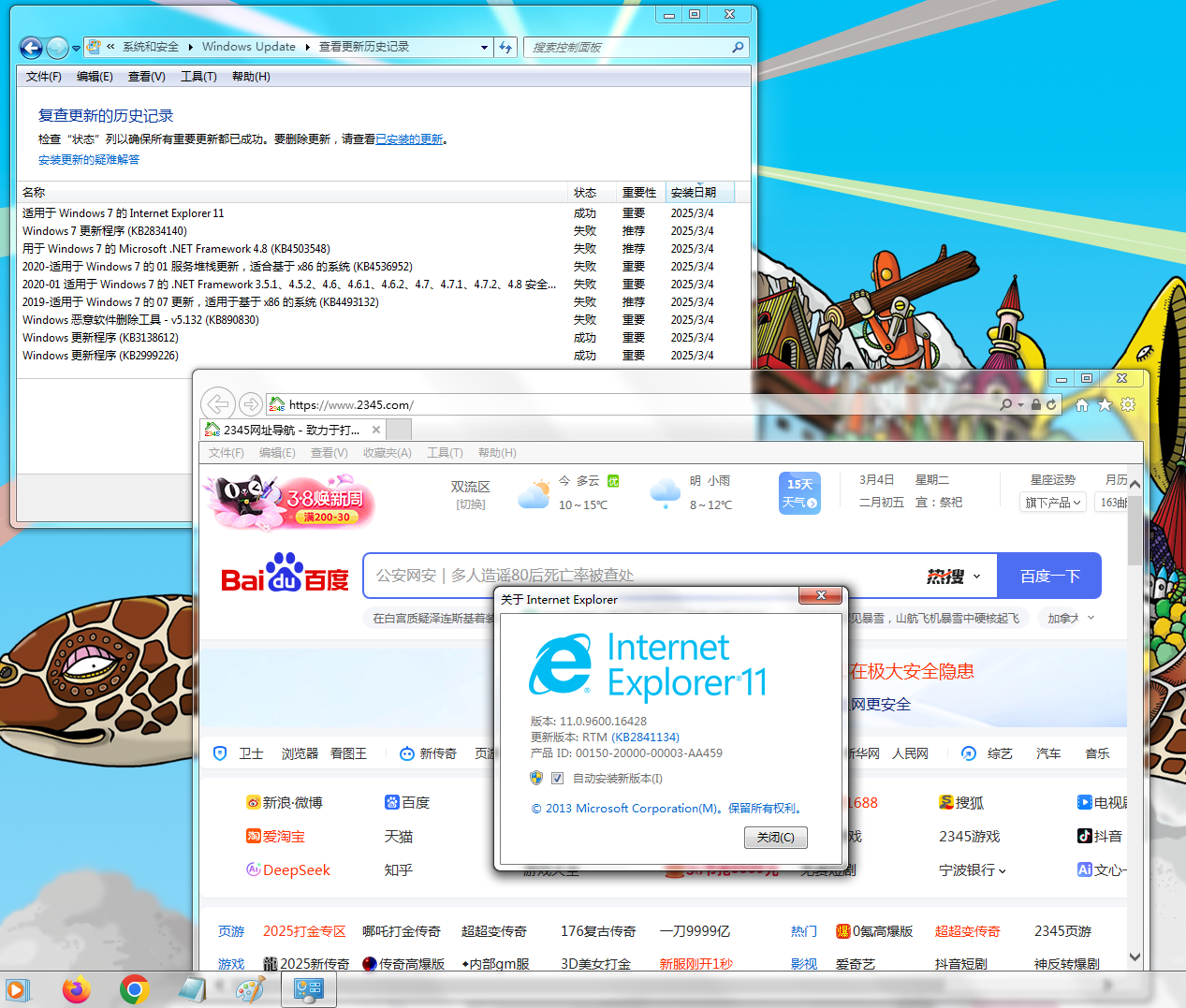
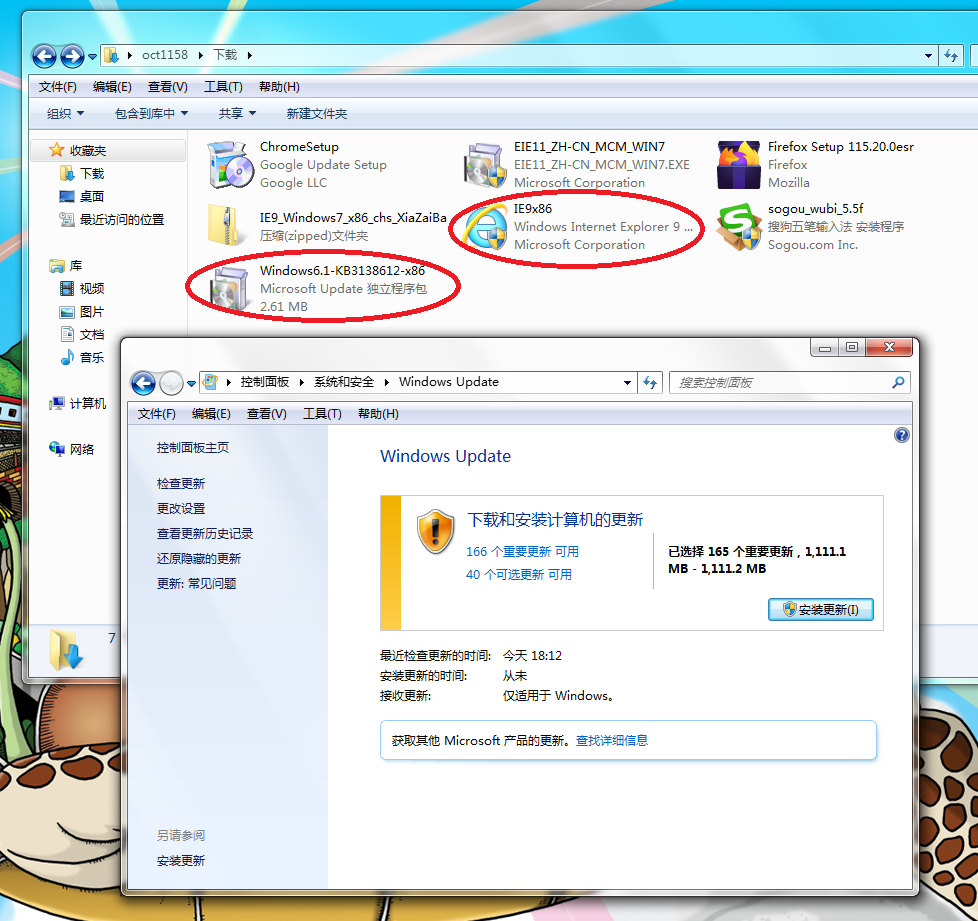
安装win7 sp1后,先安装KB3138612,再安装ie9,windows update就可以检查更新了
 |
|
|
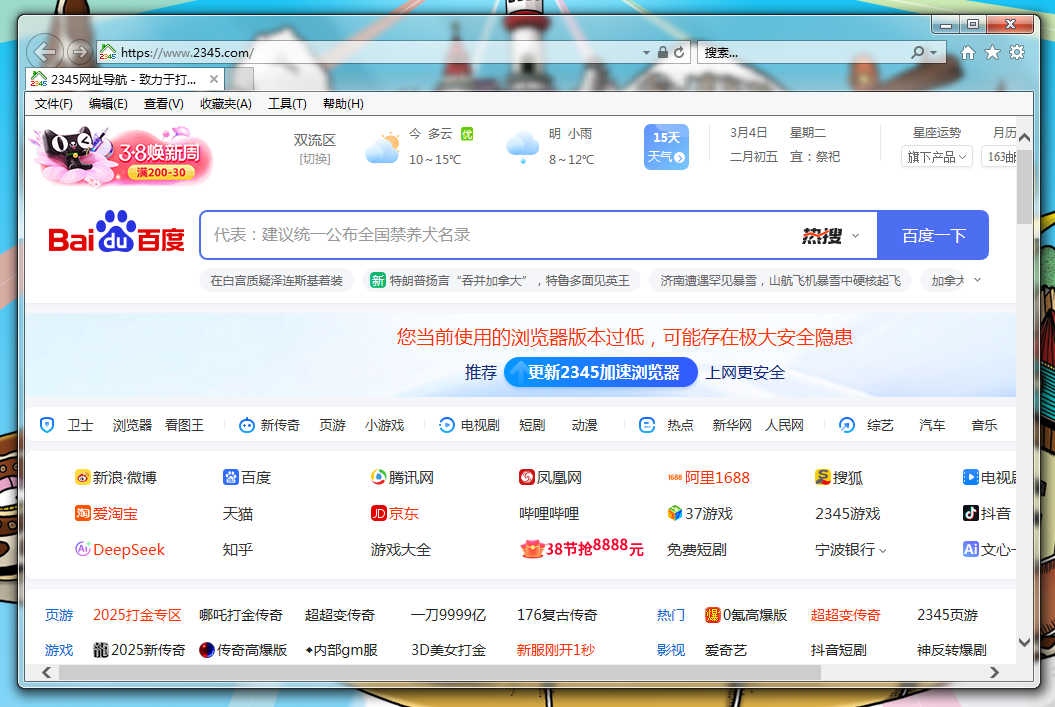
这个时候是可以单独安装ie11的。
|
|
这时还可以安装KB4052978补丁,让IE11浏览器右上角拥有小搜索框。 https://zh.purasbar.com/post.php?t=29481 KB4052978补丁32位下载地址: https://catalog.s.download.windowsupdate.com/d/msdownload/update/software/secu/2017/11/ie11-windows6.1-kb4052978-x86_92c867719463186f23e992ebf1ad6442df3dd949.msu
|
|
更新基本都装完了。
|
|
5樓
119.7.58.*
2025-6-28 12:56
|
|
|
用于基于 x64 的系统的 Windows 7 更新程序 (KB3138612): https://www.microsoft.com/zh-cn/download/details.aspx?id=51212 |
|
巨大八爪鱼:微软官网32位和64位的ie11的下载链接:https://zh.purasbar.com/post/29481
[查看詳情]
|