
There are currently 3 posts.
 |
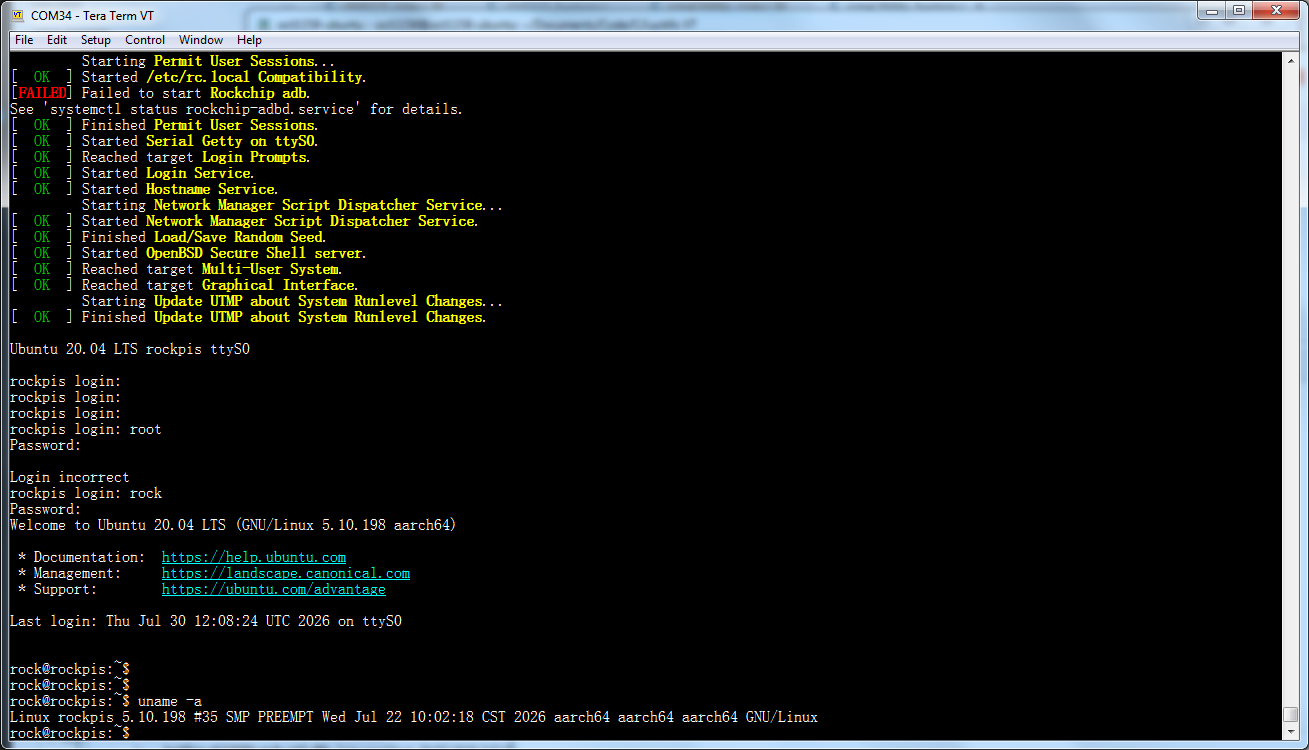
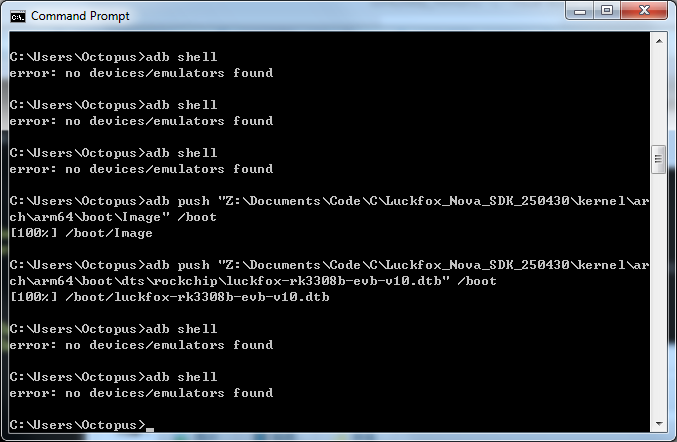
启动幸狐内核后,adb shell不可用。
|
|
巨大八爪鱼
7/30/26 20:23
rock@rockpis:~$ sudo systemctl status rockchip-adbd.service
[sudo] password for rock: ? rockchip-adbd.service - Rockchip adb Loaded: loaded (/lib/systemd/system/rockchip-adbd.service; enabled; vendor preset: enabled) Active: failed (Result: exit-code) since Thu 2026-07-30 12:08:30 UTC; 9min ago Docs: https://wiki.radxa.com/Template:Rockpi_apt Process: 201 ExecStart=/etc/init.d/adbd.sh start (code=exited, statu s=1/FAILURE) Jul 30 12:08:30 rockpis systemd[1]: Starting Rockchip adb... Jul 30 12:08:30 rockpis adbd.sh[204]: modprobe: FATAL: Module usb_f_fs not found in directory /lib/modules/5.10.198 Jul 30 12:08:30 rockpis systemd[1]: rockchip-adbd.servic e: Control process exited, code=exited, status=1/FAILURE Jul 30 12:08:30 rockpis systemd[1]: rockchip -adbd.service: Failed with result 'exit-code'. Jul 30 12:08:30 rockpis systemd[1]: Failed to start Rock chip adb. rock@rockpis:~$ |
|
巨大八爪鱼
7/30/26 20:30
主要是根文件系统还是用的rockpis的ubuntu 20.04,不是幸狐的根文件系统,所以adb服务启动不了,用不了adb。
|
