The author has 8 posts.
Font size: Small - 100% (Default)  Content converter: No conversion
 
Clicks Replies
2347 7
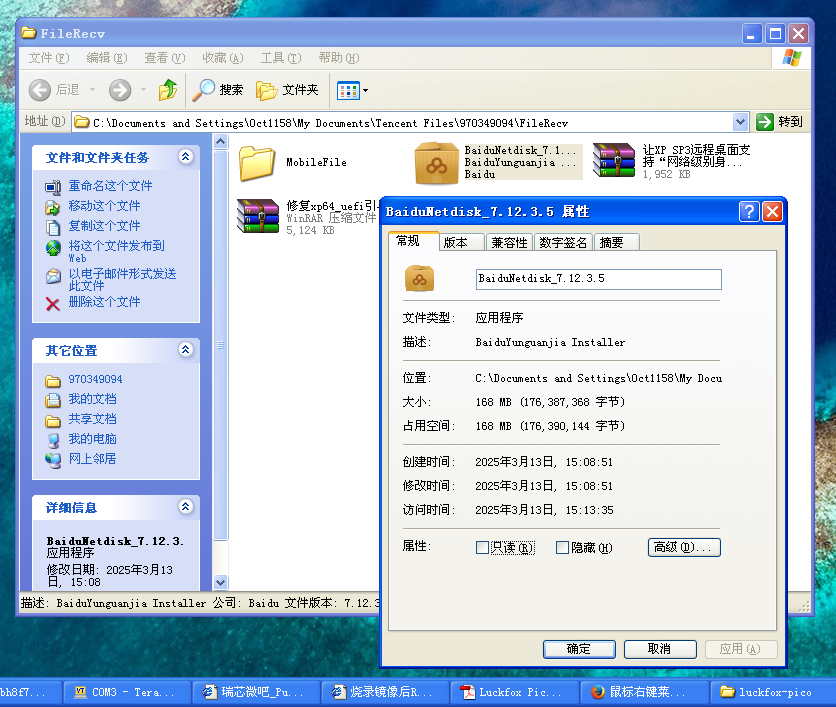
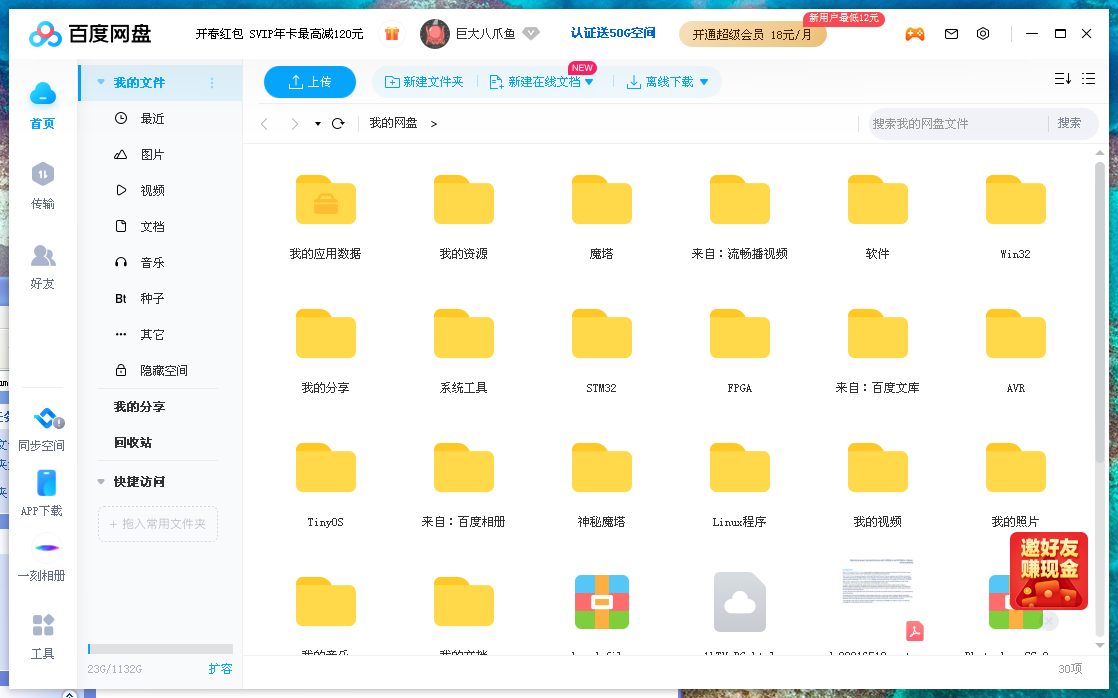
xp系统可安装的百度网盘版本是BaiduNetdisk_7.12.3.5
巨大八爪鱼
武林盟主 二十一级
Reply
Floor 1 Posted at: 3/13/25 15:16
巨大八爪鱼
武林盟主 二十一级
Reply
Floor 2 Posted at: 3/13/25 15:16
巨大八爪鱼
武林盟主 二十一级
Reply
Floor 3 Posted at: 3/13/25 15:17
巨大八爪鱼
武林盟主 二十一级
Reply
Floor 4 Posted at: 3/13/25 15:17

解决XP系统安装百度网盘后文件夹右键菜单弹出慢的问题
问题的原因是XP系统无法正确显示上传到百度网盘、自动备份该文件夹、同步至其它设备这三个菜单项,在注册表里面把它们删除掉就行了。
第一处:删除HKEY_CLASSES_ROOT\Directory\shellex\ContextMenuHandlers\YunShellExt文件夹。
第二处:删除HKEY_CLASSES_ROOT\*\shellex\ContextMenuHandlers\YunShellExt文件夹。
第三处:删除HKEY_CLASSES_ROOT\lnkfile\shellex\ContextMenuHandlers\YunShellExt文件夹。
问题就解决了。

 
巨大八爪鱼:

Windows Registry Editor Version 5.00


[-HKEY_CLASSES_ROOT\Directory\shellex\ContextMenuHandlers\YunShellExt]


[-HKEY_CLASSES_ROOT\*\shellex\ContextMenuHandlers\YunShellExt]


[-HKEY_CLASSES_ROOT\lnkfile\shellex\ContextMenuHandlers\YunShellExt]

  3/14/25 9:20 Reply
巨大八爪鱼
武林盟主 二十一级
Reply
Floor 5 Posted at: 3/14/25 9:25
下载地址:https://zh.purasbar.com/tools/legacy/BaiduNetdisk/
巨大八爪鱼
武林盟主 二十一级
Reply
Floor 6 Posted at: 3/14/25 9:26
安装后,目前仅支持短信验证码登录,请提前在网页里面启用手机号登录,将手机号和百度ID绑定。
巨大八爪鱼
武林盟主 二十一级
Reply
Floor 7 Posted at: 6/27/25 17:05
BaiduNetdisk_6.9.7.4没有右键菜单卡顿的问题。
Reply the post
Content:
User: You are currently anonymous.
Captcha:
Unclear? Try another one.
(Shortcut key: Ctrl+Enter)
Post Information
Clicks: 2347 Replies: 7
Author: 巨大八爪鱼
Last reply: 巨大八爪鱼
Last reply time: 6/27/25 17:05
Announcements