There are currently 8 posts.
Font size: Small - 100% (Default)  Content converter: No conversion
 
Clicks Replies
1302 7
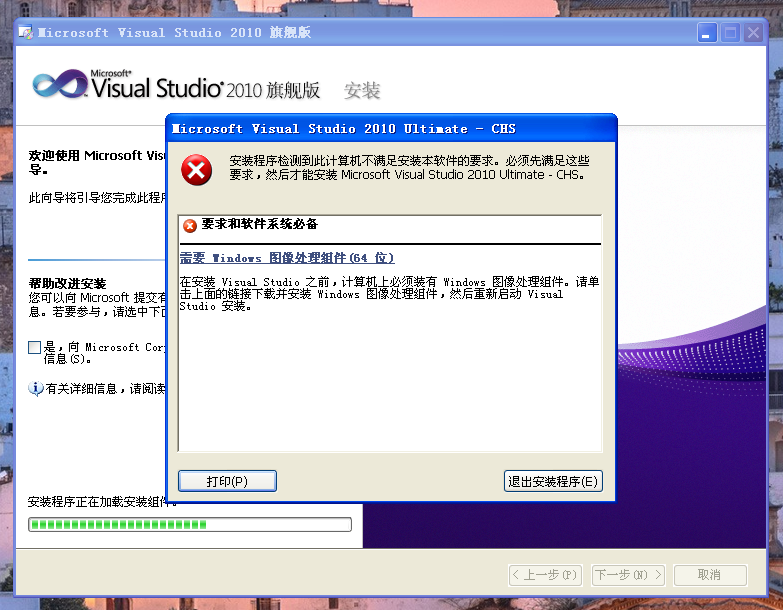
64位xp sp2安装vs2010,需要Windows图像处理组件(64位)
巨大八爪鱼
武林盟主 二十一级
Reply
Floor 1 Posted at: 6/11/25 18:31
巨大八爪鱼
武林盟主 二十一级
Reply
Floor 2 Posted at: 6/11/25 18:37

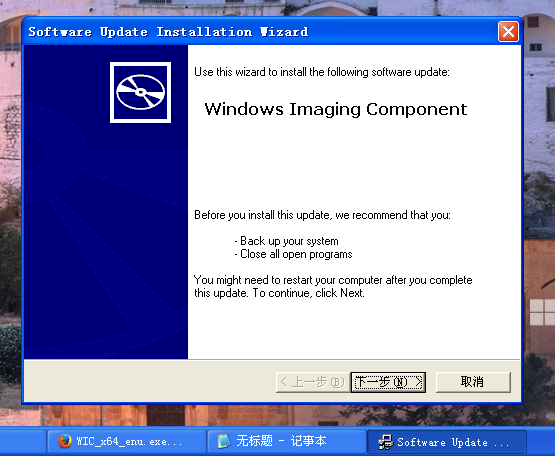
https://www.wenjian.net/down/WIC_x64_enu.exe_230404.html
下载下来是wic_x64_enu.rar压缩包,运行里面的wic_x64_enu/x32/6.1.22.4/wic_x64_enu.exe即可。

 
巨大八爪鱼: Windows图像处理组件(WIC) 32位/64位:https://xiazai.zol.com.cn/detail/57/565027.shtml
这个是中文版的,无法直接在汉化后的英文版64位xp sp2系统上安装。
  6/11/25 18:38 Reply
巨大八爪鱼
武林盟主 二十一级
Reply
Floor 3 Posted at: 6/11/25 18:39

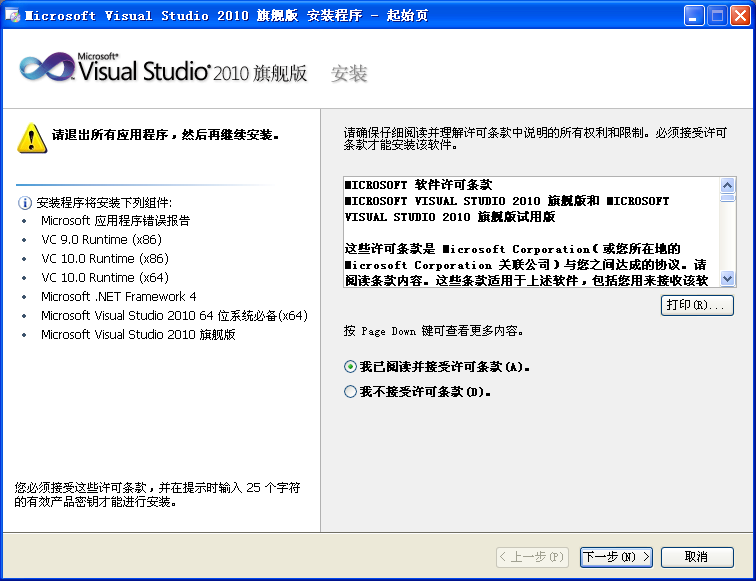
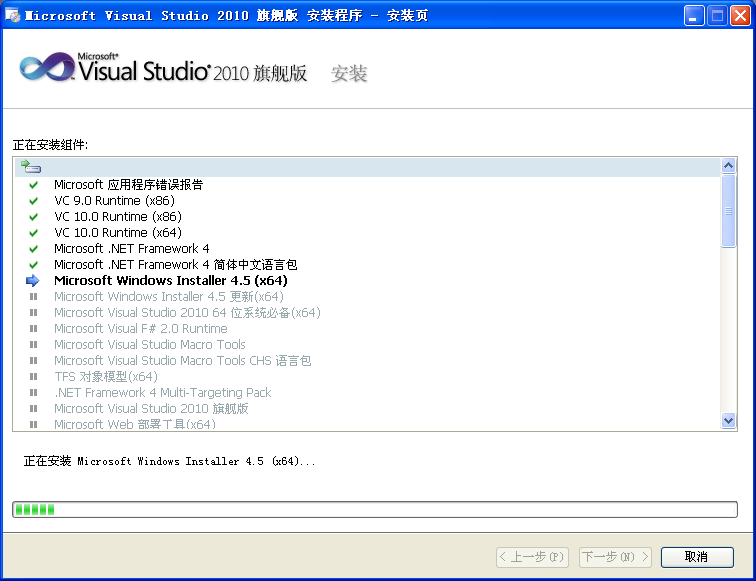
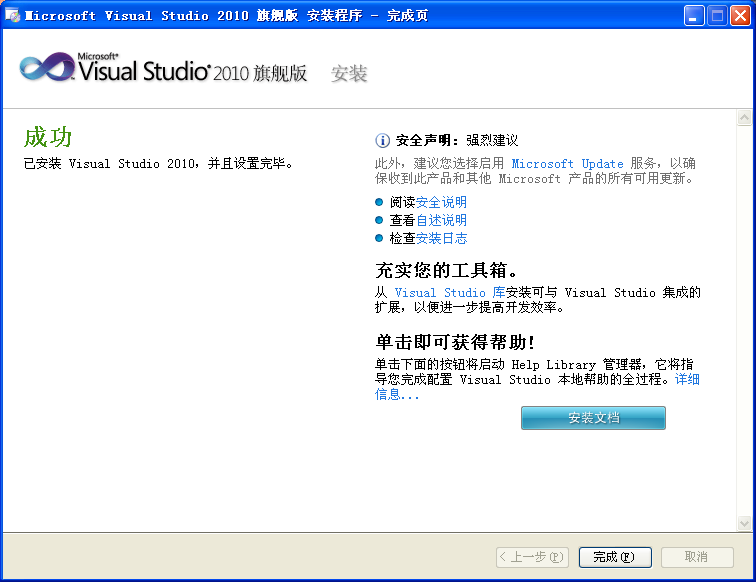
安装Windows图像处理组件后,不需要重启电脑,直接就可以安装vs2010。

巨大八爪鱼
武林盟主 二十一级
Reply
Floor 4 Posted at: 6/11/25 18:43
巨大八爪鱼
武林盟主 二十一级
Reply
Floor 5 Posted at: 6/11/25 18:56
巨大八爪鱼
武林盟主 二十一级
Reply
Floor 6 Posted at: 6/11/25 19:01
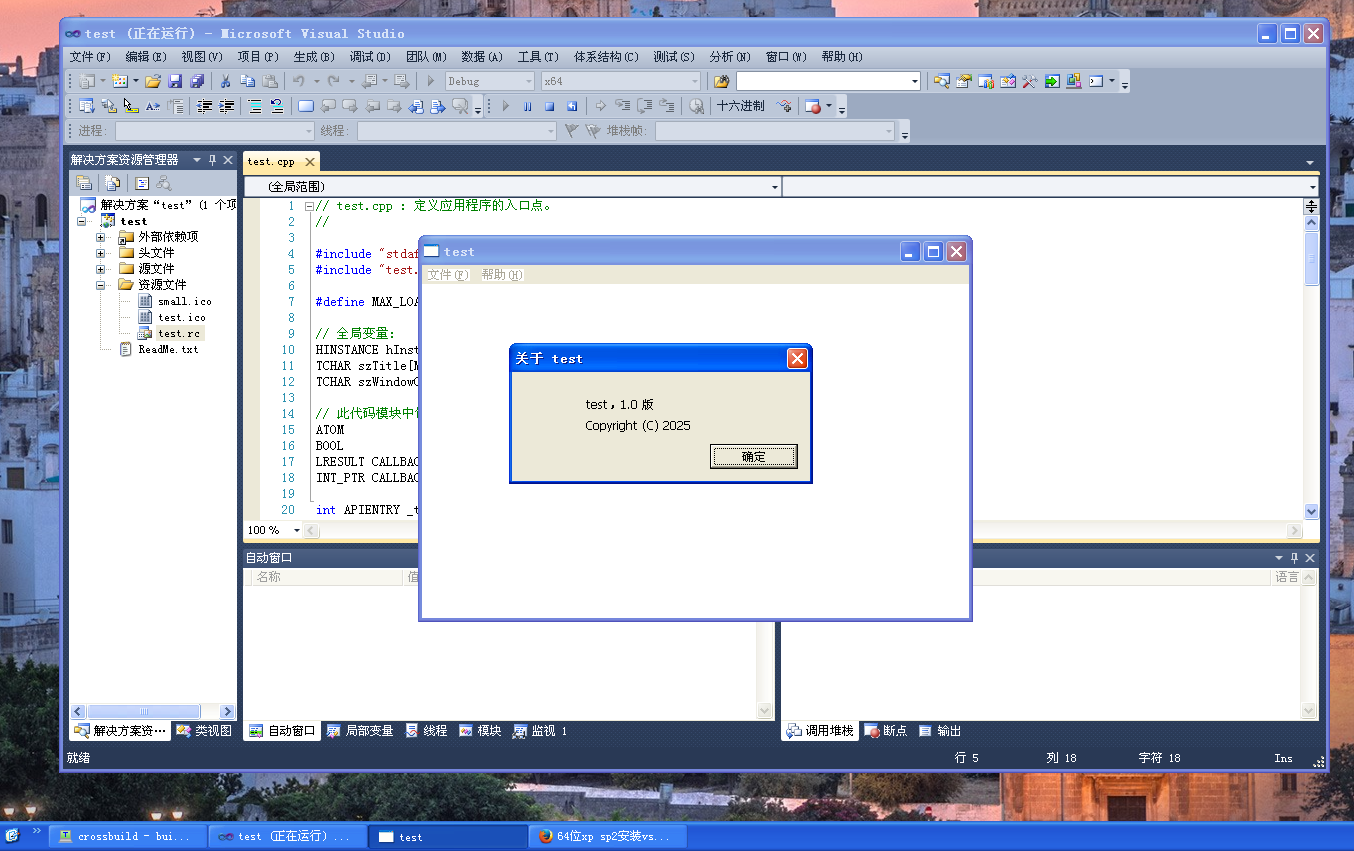
可成功编译并运行64位的exe程序。
巨大八爪鱼
武林盟主 二十一级
Reply
Floor 7 Posted at: 6/11/25 19:02
Reply the post
Content:
User: You are currently anonymous.
Captcha:
Unclear? Try another one.
(Shortcut key: Ctrl+Enter)
Post Information
Clicks: 1302 Replies: 7
Author: 巨大八爪鱼
Last reply: 巨大八爪鱼
Last reply time: 6/11/25 19:02
Announcements