
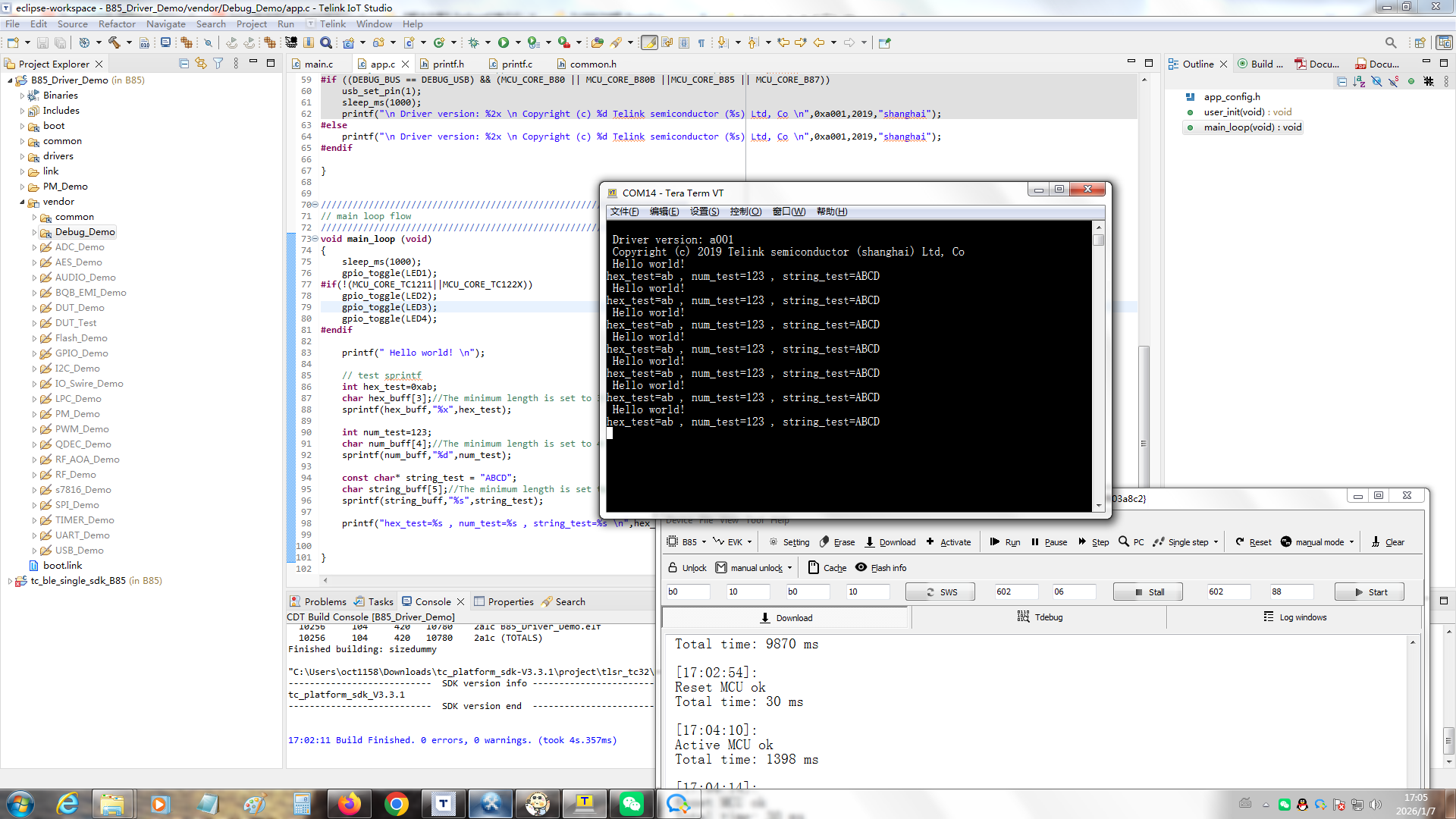
在drivers/printf.c的io_putchar函数里面加上
if (byte == '\n')
io_putchar('\r');
即可解决Tera Term无法换行显示的问题。
目前共有32篇帖子。
 |
运行Debug_Demo,把电脑串口接到PA2引脚上,波特率设为115200,可以看到printf打印。
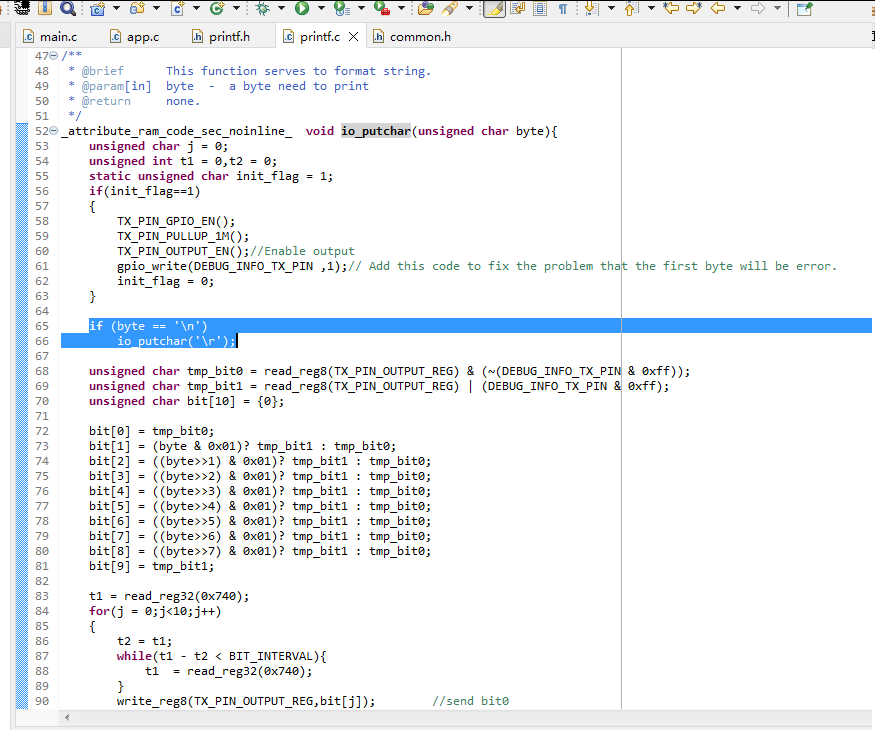
在drivers/printf.c的io_putchar函数里面加上
|
|
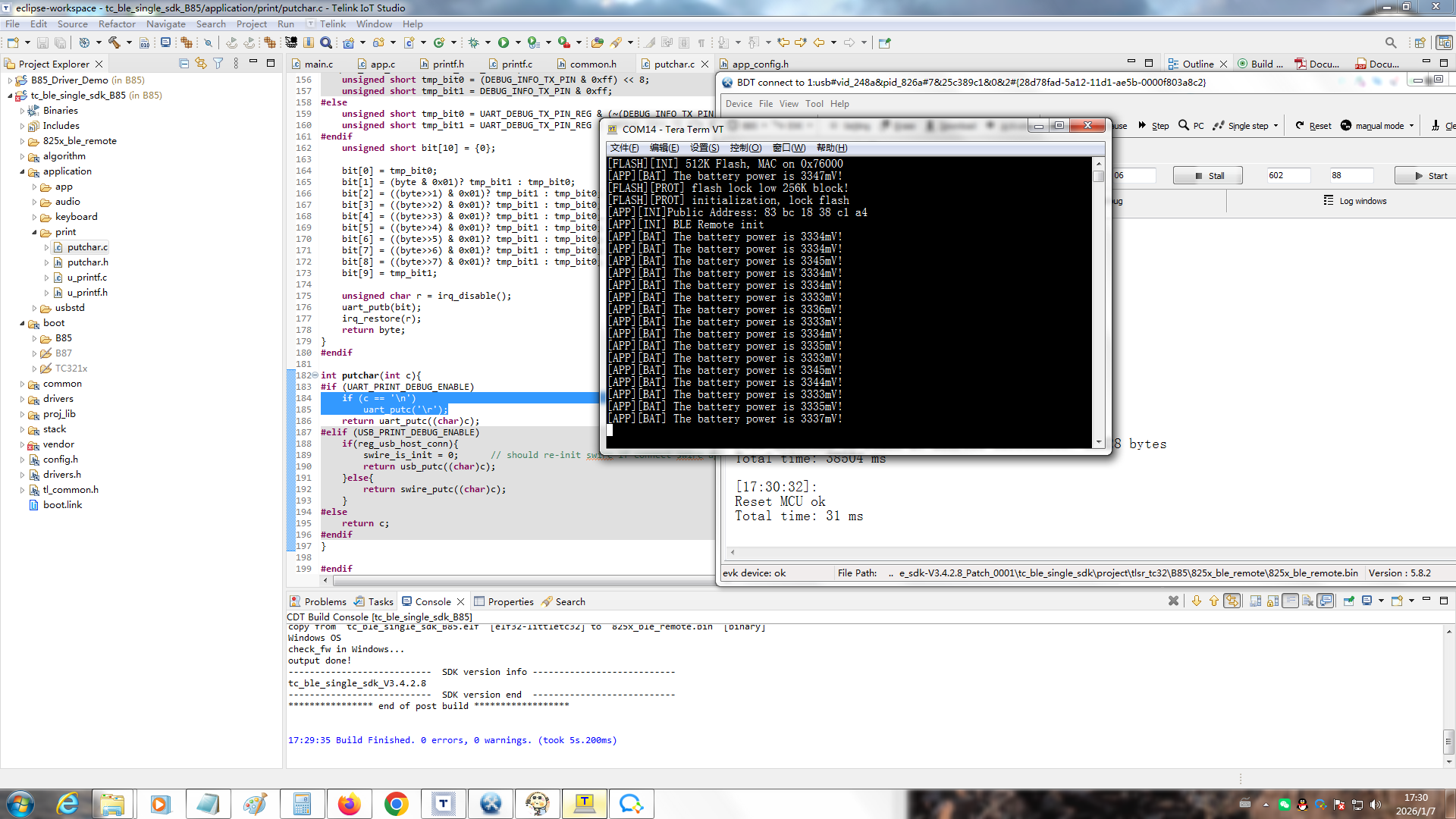
tc_ble_single_sdk_B85这个蓝牙程序,串口的输出引脚是PB1,波特率是1000000。 修改application/print/putchar.c的putchar函数,在return uart_putc((char)c);前加上 if (c == '\n') 可解决Tera Term的换行问题。
巨大八爪鱼:https://www.telink-semi.cn/products/bluetooth-le/tlsr825x
SDK名称 支持芯片 SDK版本 下载SDK SDK开发手册 Bluetooth® LE Single Connection TLSR8258/8253/8251 V3.4.2.8_Patch_0001 Gitee 下载蓝牙SDK: https://gitee.com/telink-semi/tc_ble_single_sdk/releases/tag/V3.4.2.8_Patch_0001 https://gitee.com/telink-semi/tc_ble_single_sdk/archive/refs/tags/V3.4.2.8_Patch_0001.zip SDK开发手册: https://doc.telink-semi.cn/doc/zh/software/res/sdk/ble/b85m_ble_cn/b85m_ble_single_connection_cn/
[查看詳情]
|
|
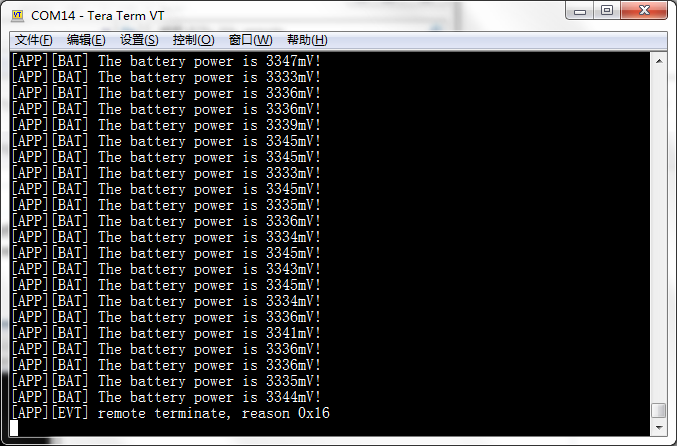
[APP][EVT] remote terminate, reason 0x16
|
|
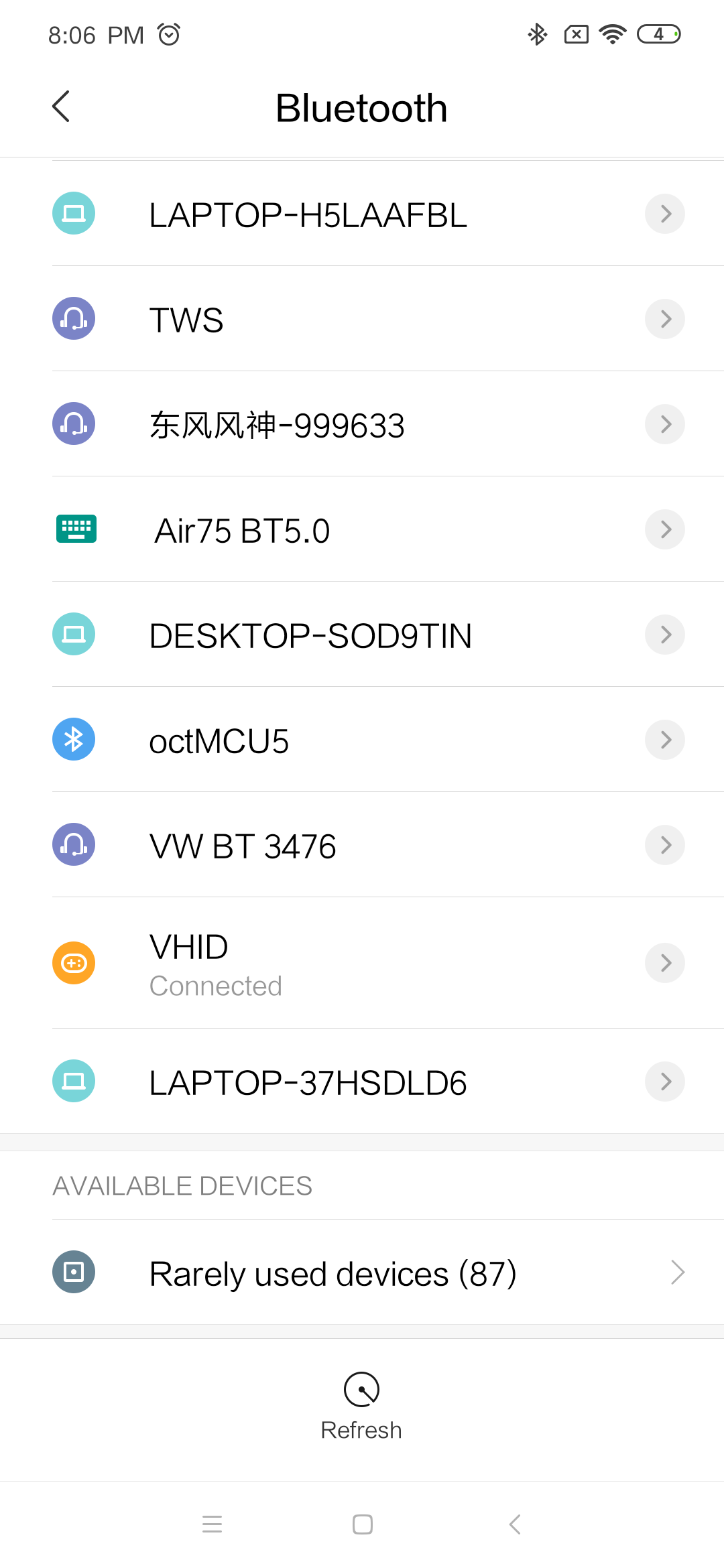
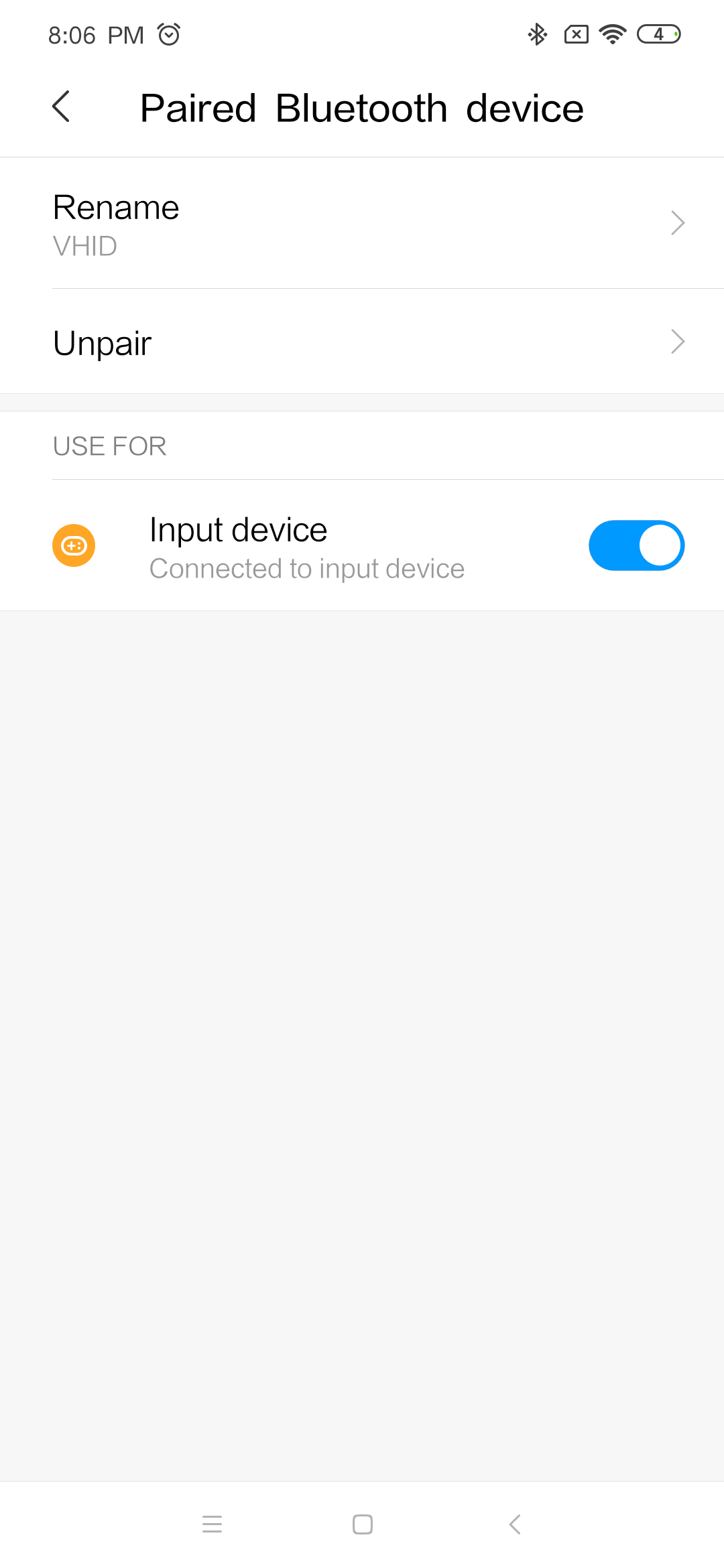
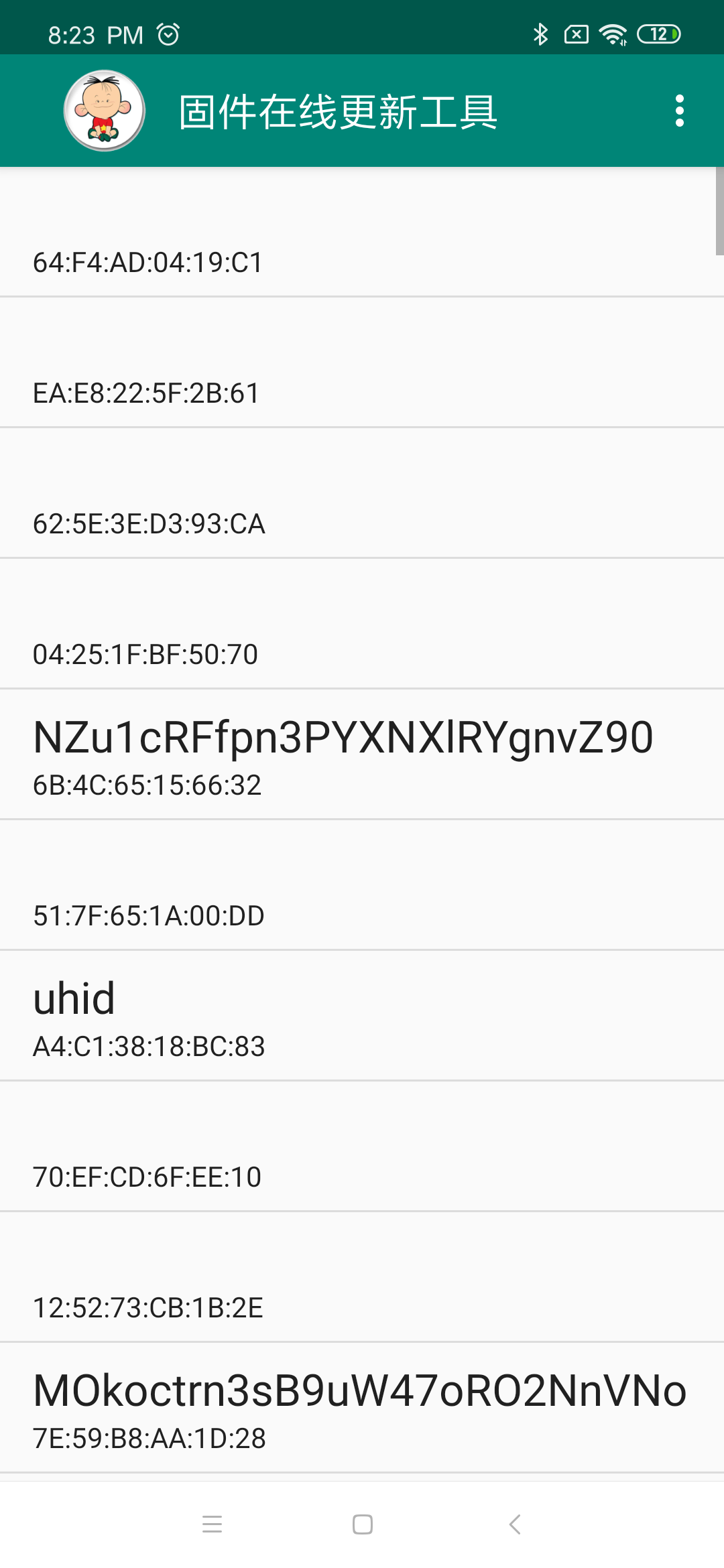
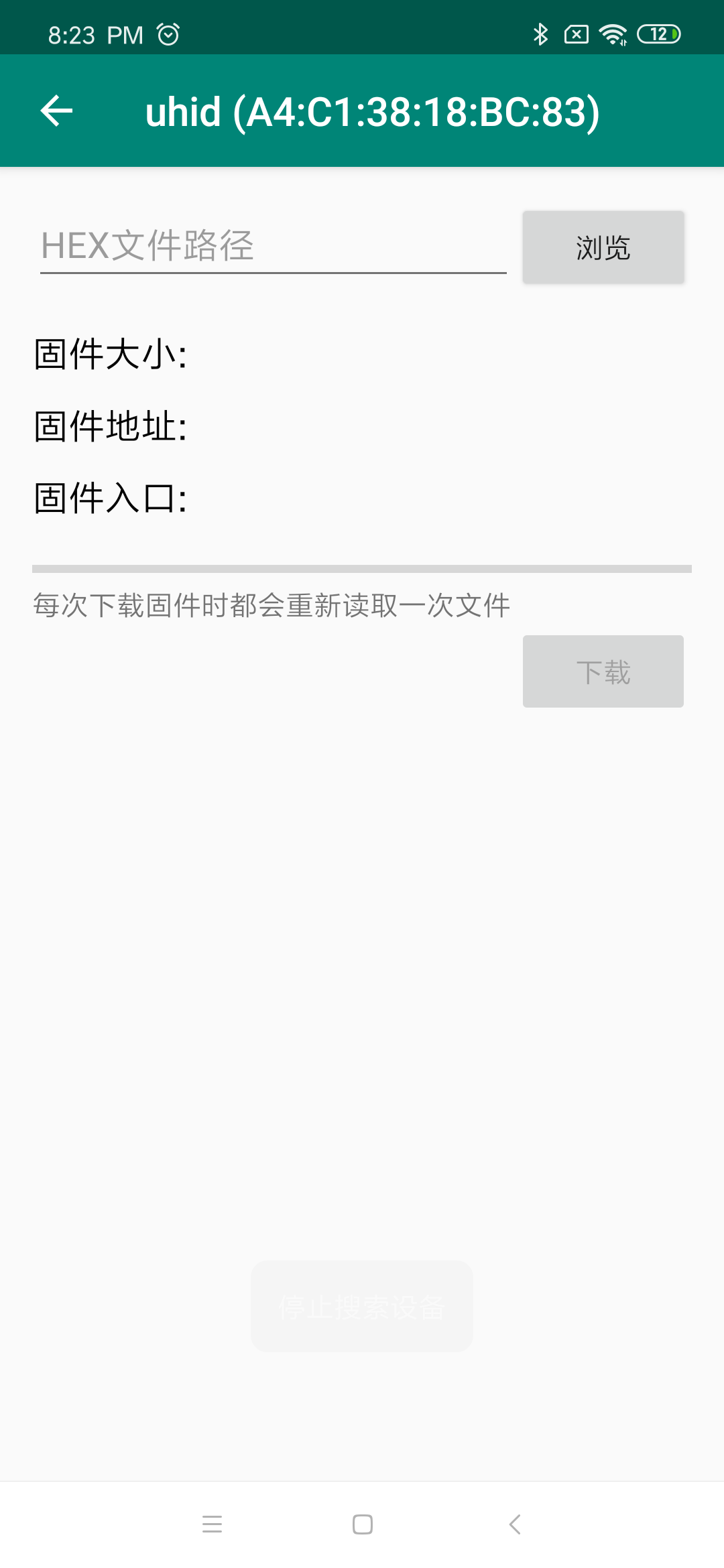
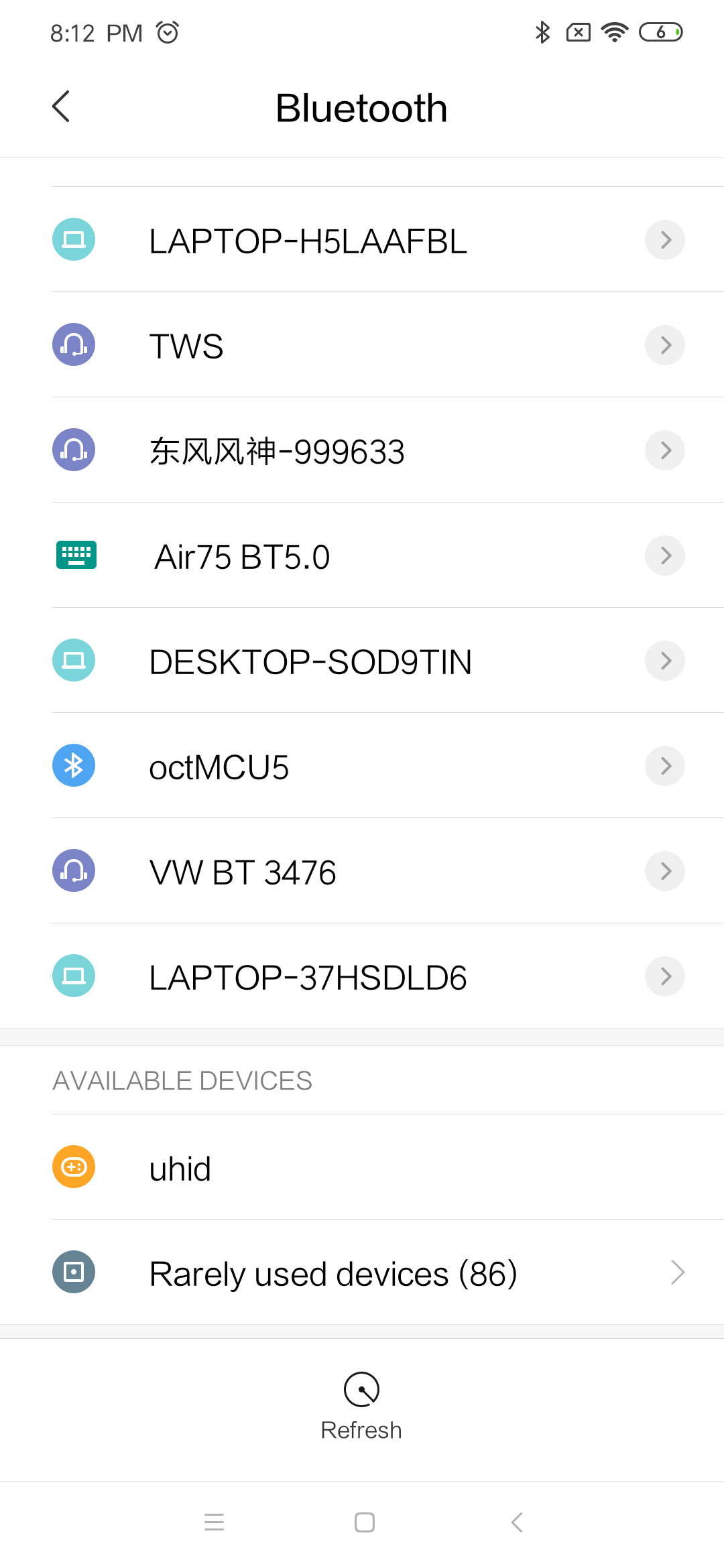
蓝牙设备名叫VHID,可以在手机上配对并连接。
 |
|
 |
|
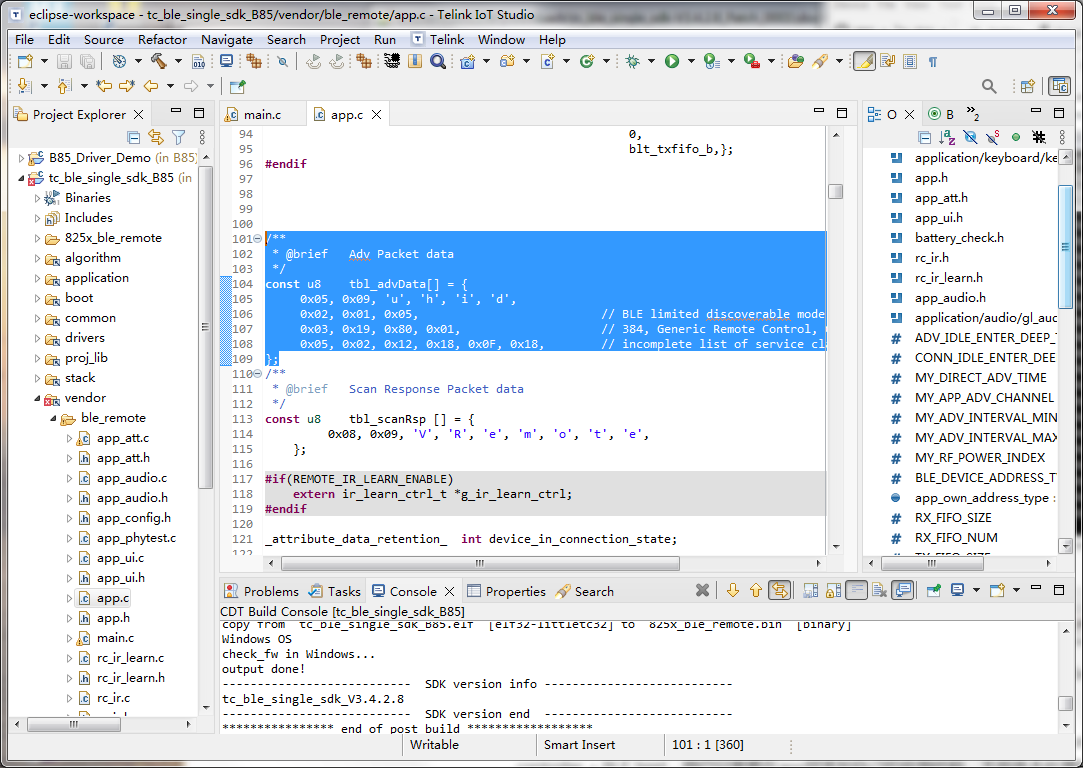
蓝牙设备的名称是在这个地方定义的:
可以改名成uhid。
|
|
安卓手机上配对前显示的名称是vhid,配对后显示的名称是tRemote。 /** static const u8 my_devName[] = {'t','R','e','m','o','t','e'}; 苹果手机上配对前显示的名称是VRemote或tRemote,配对后显示的名称是tRemote。 /** |
|
 |
|
 |
|
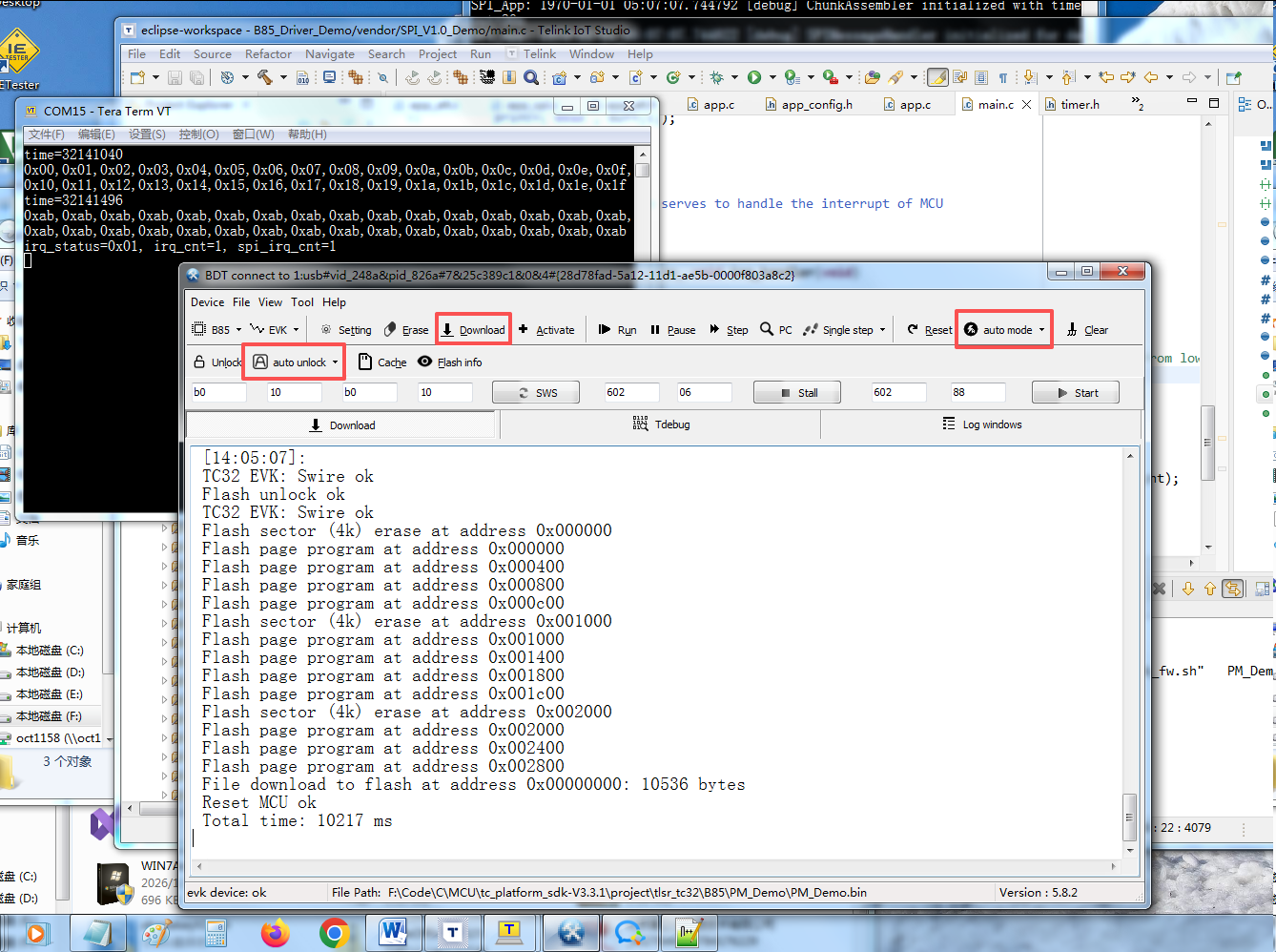
可以打开auto mode和auto unlock。这样的话每次编译完,只需要点击一次Download按钮,就能自动解锁flash,烧录然后复位开始运行程序,无需多次点击。 如果运行蓝牙程序,可能还需要先点击一下Activate才能Download。
|


#define PRINT_BAUD_RATE 1000000 //1M baud rate,should Not bigger than 1Mb/s
#define DEBUG_INFO_TX_PIN GPIO_PB1
可以改成和蓝牙程序一样的PB1引脚和100万波特率。