
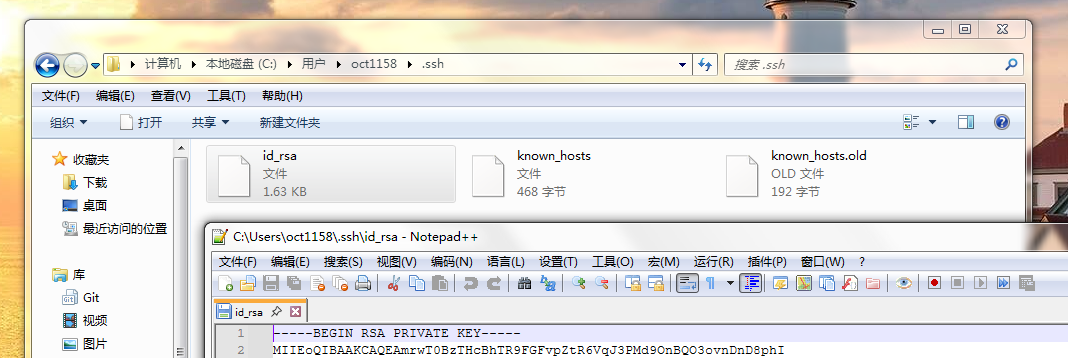
点击Conversions->Export OpenSSH key,如果弹出PuTTYgen Warning窗口的话点击是,选择保存到C:\Users\当前用户名\.ssh文件夹下的id_rsa文件中。
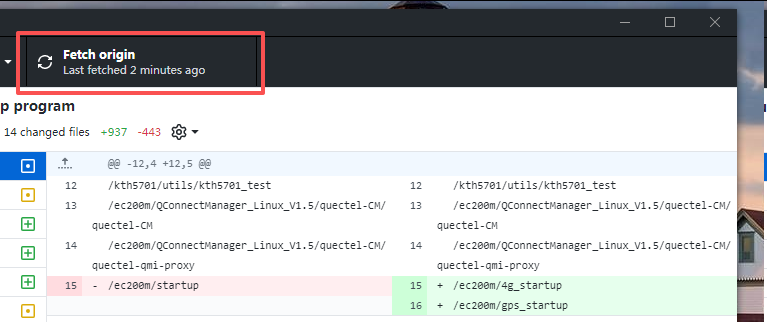
然后就可以在GitHub Desktop中使用Fetch origin功能了。
The author has 3 posts.
 |
打开putty/PUTTYGEN.exe,点击File->Load private key菜单,选择打开ppk文件。
点击Conversions->Export OpenSSH key,如果弹出PuTTYgen Warning窗口的话点击是,选择保存到C:\Users\当前用户名\.ssh文件夹下的id_rsa文件中。 然后就可以在GitHub Desktop中使用Fetch origin功能了。 |
|
 |
|
总之就是一定要有C:\Users\当前用户名\.ssh\id_rsa这个文件才行。
|
