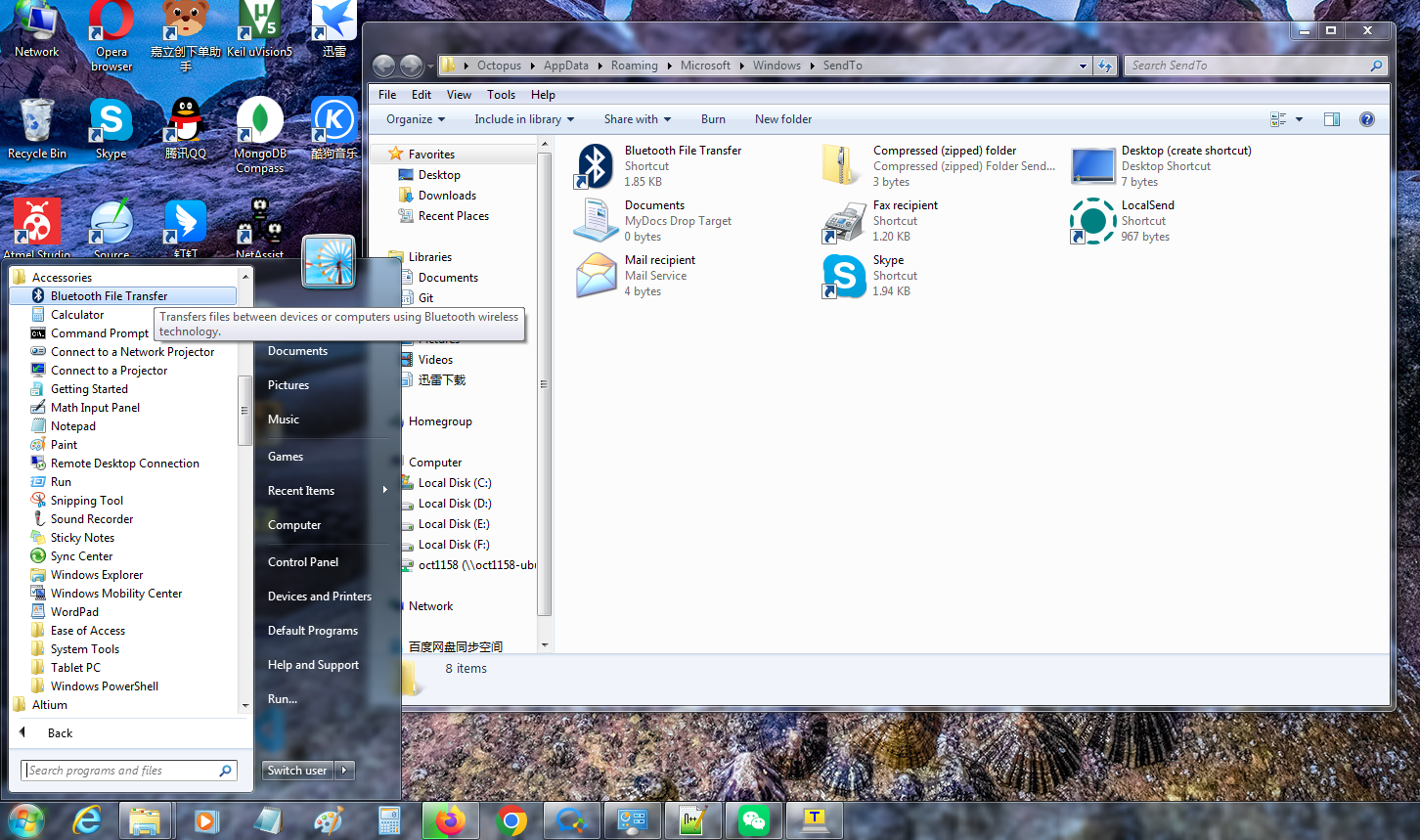
把開始菜單->附件裡面的Bluetooth File Transfer的快捷方式複製到這個文件夾就可以了。
目前共有7篇帖子。
 |
開始->運行->輸入shell:sendto後點擊確定,會打開C:\Users\用戶名\AppData\Roaming\Microsoft\Windows\SendTo文件夾。
把開始菜單->附件裡面的Bluetooth File Transfer的快捷方式複製到這個文件夾就可以了。 |
|
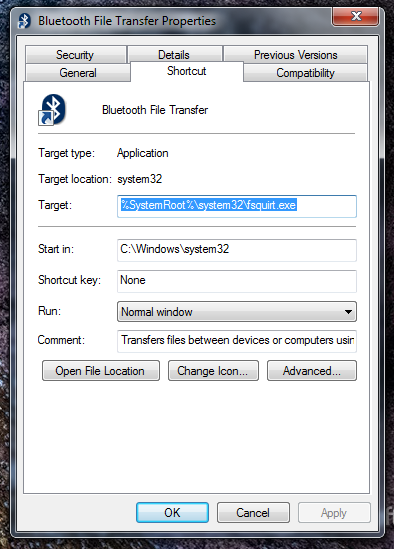
Bluetooth File Transfer Target: %SystemRoot%\system32\fsquirt.exe Comment: Transfers files between devices or computers using Bluetooth wireless technology.
|
|
 |
|
 |
|
【中文版win7快捷方式】 位置:C:\Users\Oct1158\AppData\Roaming\Microsoft\Windows\SendTo 文件名:Bluetooth 設備 描述:fsquirt 目標:C:\Windows\System32\fsquirt.exe 起始位置:C:\Windows\System32  |
|
安裝系統後的原版文件:
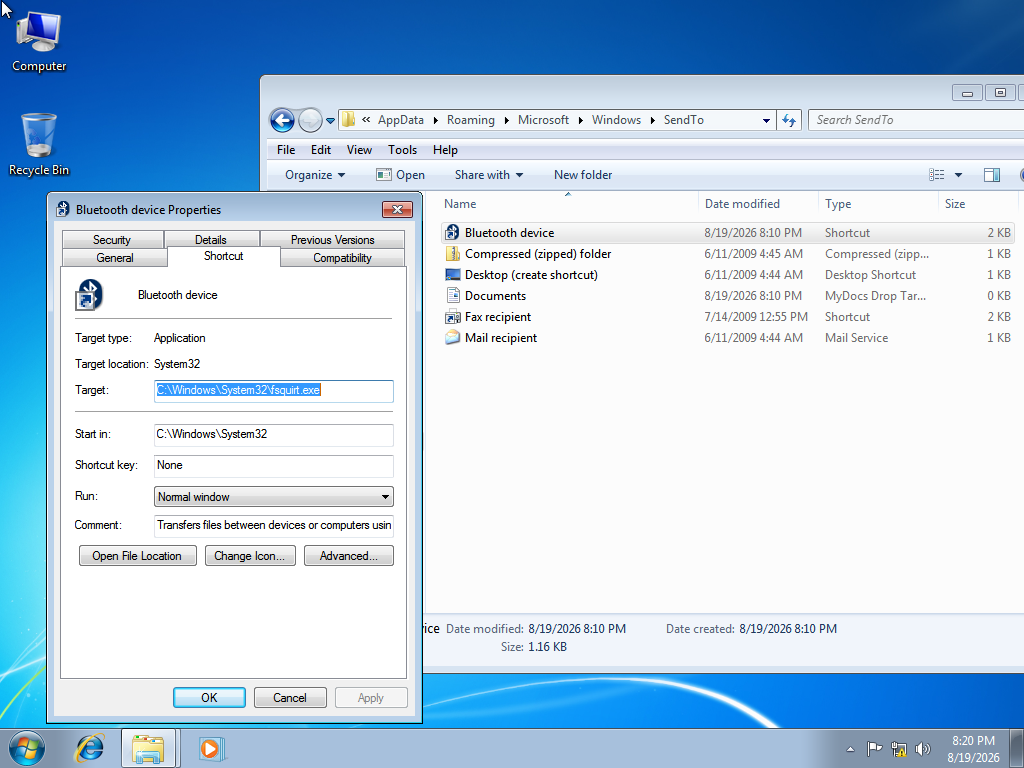 巨大八爪鱼:這個文件複製出來後,名字依然還是叫Bluetooth File Transfer,並且Comment是一樣的。
[查看詳情]
|